The chart and machine files
One JSON object describes everything: your washer and iron under machine,
and one entry per pile of laundry under chart. Both the CLI and the web
app’s upload accept exactly this shape — it’s what
@washy-washy/core’s
parseConfig validates.
{ "machine": { "washer": { "..." }, "iron": { "..." } }, "chart": [{ "clothing_type": "..." }]}The chart
Section titled “The chart”Each entry under chart is one pile:
| Field | What goes in it |
|---|---|
clothing_type |
What you call the pile — this is the card heading |
detergent |
Which detergent and how much |
fabric_softener |
yes or no |
temperature |
A temperature your machine offers |
spin |
A spin speed your machine offers |
duration |
Roughly how long it runs, as ~H:MM |
program |
A dial position, spelled exactly as on the fascia |
options |
Option buttons, pipe-separated; empty for none |
ironing |
yes or no — whether you iron it at all |
ironing_notes |
Prose: how to iron it, or why you don’t. Often empty |
iron_setting |
A thermostat position. Empty when ironing is no |
drying |
Prose: how to dry it |
colour_group |
white, colour, dark, sport or any |
mix_tags |
Pipe-separated: lint-shedder, lint-magnet, dye-bleeder, solo |
notes |
Anything else worth knowing |
Every machine-facing value — program, temperature, spin, options,
iron_setting — is checked against what your own machine offers, so a typo
fails with the specific row and column rather than producing a card that
tells you to turn the dial somewhere it doesn’t go.
The machine
Section titled “The machine”machine.washer lists the dial’s labels in physical order, plus the
temperatures, spin speeds and option buttons the display offers.
machine.iron lists the thermostat’s positions, from coolest to hottest. Copy every
label exactly as printed in front of you, in whatever language that is —
nothing here ever translates a fascia label, because a chart you have to
translate back while standing at the machine is worse than no chart.
The order of washer.programs is load-bearing: the first entry is the off
position, drawn at twelve o’clock, and every other tick’s angle comes from
where it sits in the list. Leaving one out doesn’t just remove it — it moves
every tick after it.
The web app’s own /config/machine
editor writes this same shape — reordering the programme list there does
exactly what reordering the JSON array would:
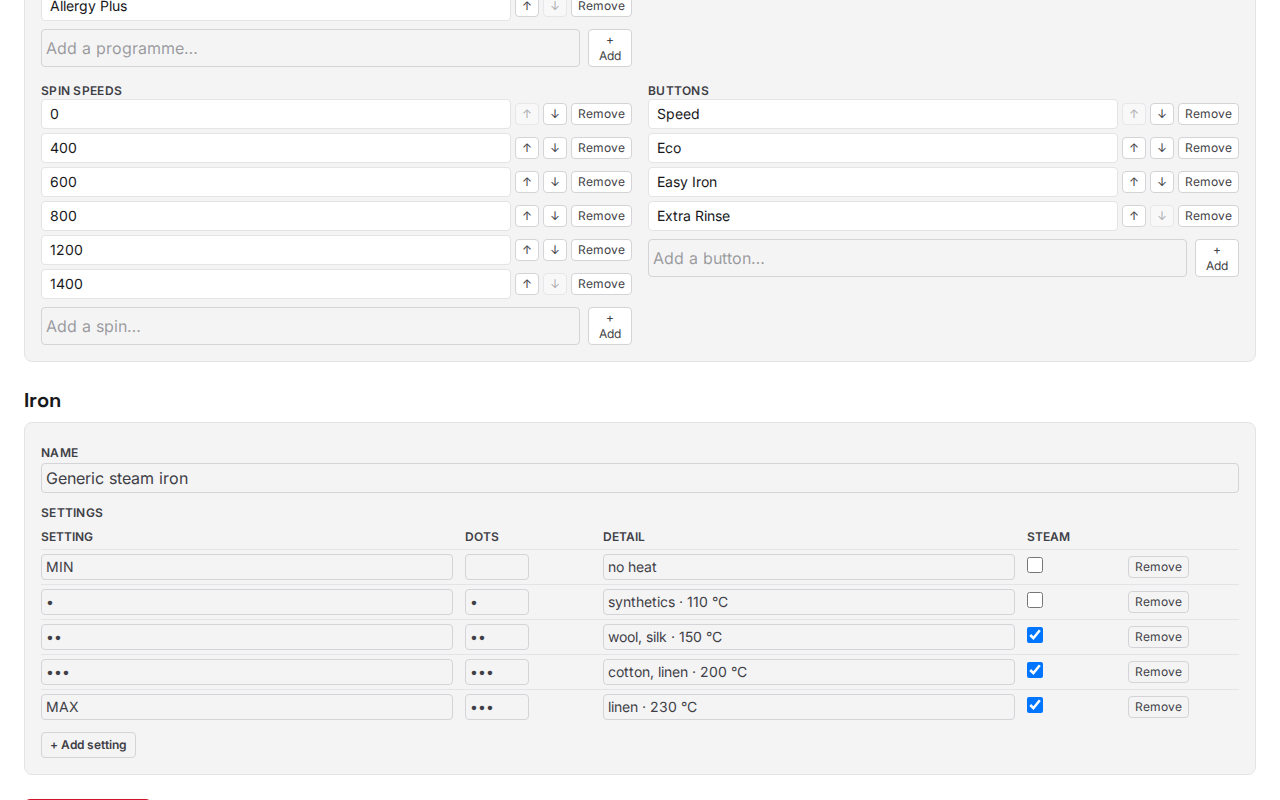
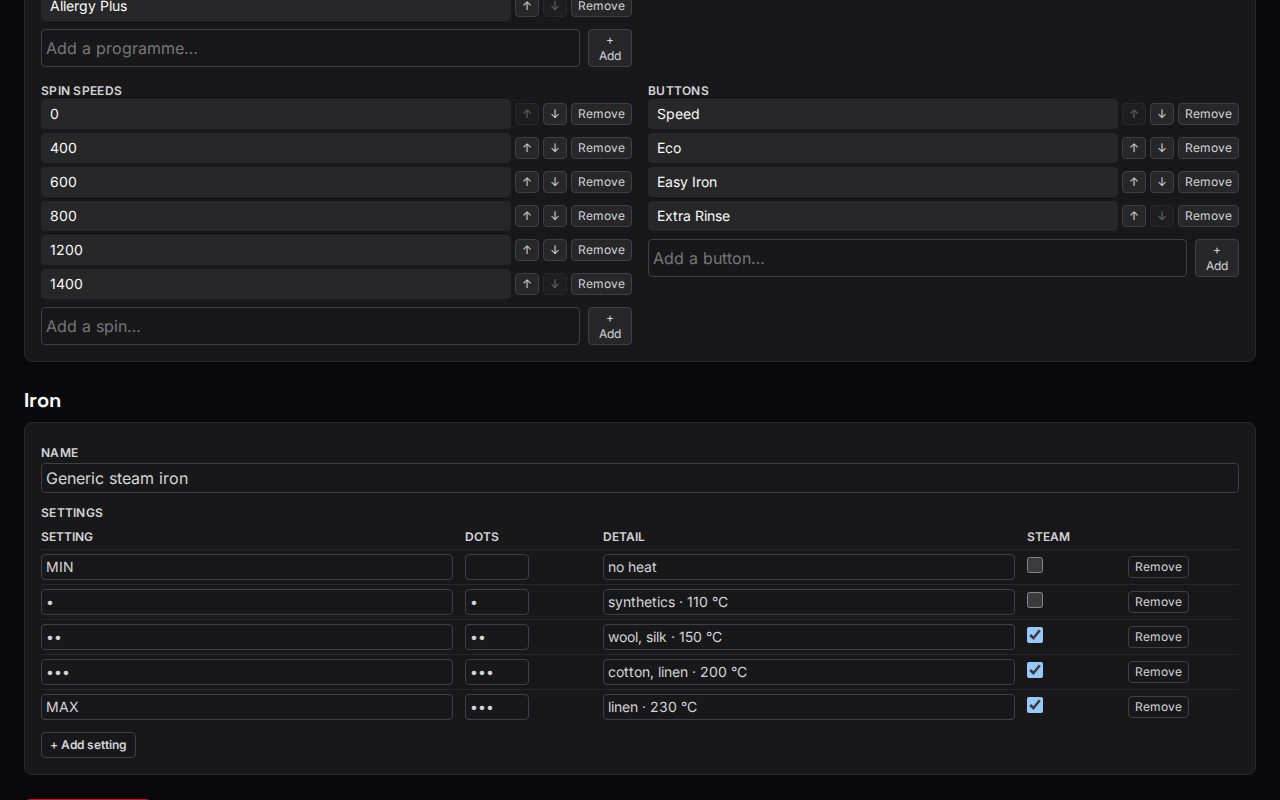
{ "washer": { "name": "Generic front loader", "capacity": "1–8 kg", "programs": ["Off", "Cottons", "Delicates / Silk", "Wool"], "temperatures": ["cold", "20", "30", "40", "60", "90"], "spins": ["0", "400", "600", "800", "1200", "1400"], "options": ["Speed", "Eco", "Easy Iron", "Extra Rinse"] }, "iron": { "name": "Generic steam iron", "settings": [ { "key": "min", "dots": "", "label": "MIN", "detail": "no heat", "steam": false }, { "key": "3", "dots": "•••", "label": "•••", "detail": "cotton, linen · 200 °C", "steam": true } ] }}What can wash together
Section titled “What can wash together”Two piles may share a drum only when all of these hold, checked in order — the first one that fails is the reason a compatibility matrix would show:
- Neither is tagged
solo. - If either is a
lint-shedder, the other must be too. - Their
colour_groupmatches (anymatches everything). program,temperature,spinand the set ofoptionsare identical.
Piles merge onto one card, sharing a single dial drawing, when everything
you physically set agrees: programme, temperature, spin, options, whether
softener goes in, and where the iron’s thermostat points. Prose fields
(detergent, drying, notes) are deliberately not part of that check —
two piles can want different detergent and still share a card, and the card
lists both lines against the pile they belong to.